
Quantum Fiber from AT&T
Forged Fiber 37, LLC
Downloads
100,000+
Source
Google Play
Click to download now, finish the installation quickly, and directly unlock the all-round experience
Screenshots
Click to download now, finish the installation quickly, and directly unlock the all-round experience
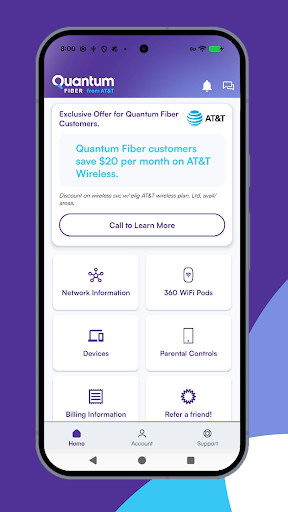
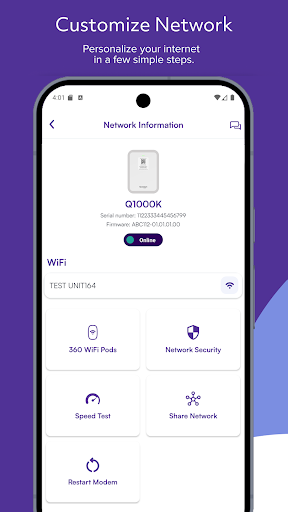
Quantum Fiber from AT&T is for customers who want to handle common home-network tasks from an Android phone. Use it to check network status, view connected devices, and change your Wi-Fi network name or password. It puts basic network controls in one place rather than requiring you to manage each task separately.
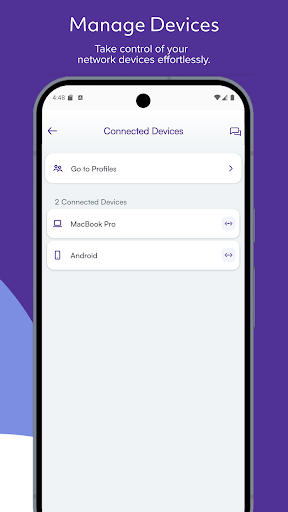
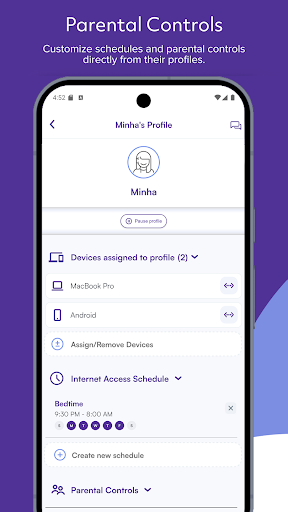
The app shows which devices are connected to your network. If a device should no longer have access, you can block it; for a temporary break, you can pause its Wi-Fi access. To let guests join, create a QR code they can scan to connect, instead of spelling out the password.
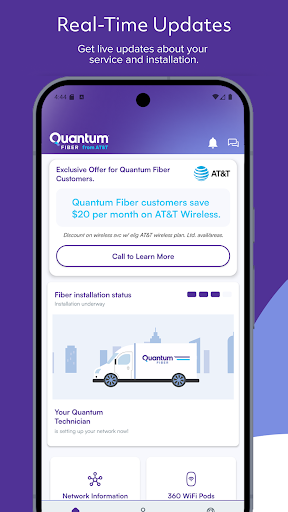
If you are waiting for a new connection, the app can show progress on the installation process. Once your network is active, its network health and status views can help you check how things are going. Biometric sign-in is also available, so supported phones can use a fingerprint or other biometric method to sign in.
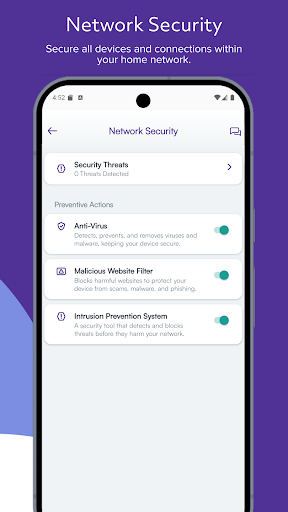
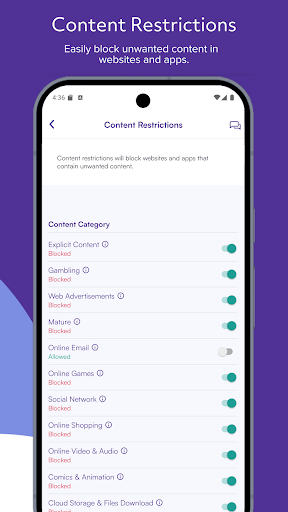
This is a focused companion for Quantum Fiber service, not a general-purpose tool for managing unrelated internet providers. It will suit subscribers who want to check devices, adjust access, share Wi-Fi, or follow an installation from their phone. The controls described here concern the network; the app does not promise to improve your internet speed.
The listed developer is Forged Fiber 37, LLC. The app has 100,000+ installs and a rating of 1.84 out of 5 from 2,254 ratings. That score is low, so prospective users may want to weigh the feedback alongside the specific network tasks they need the app to handle.